
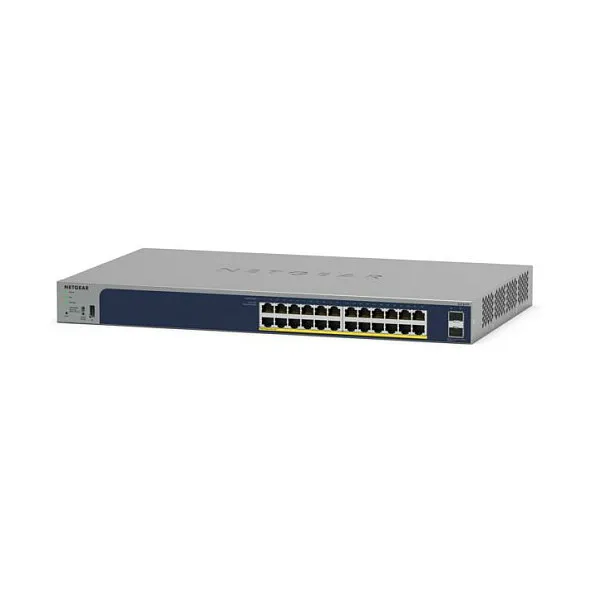
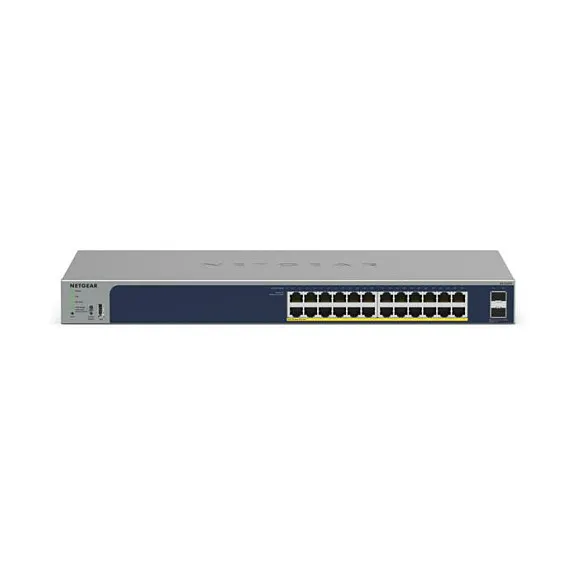
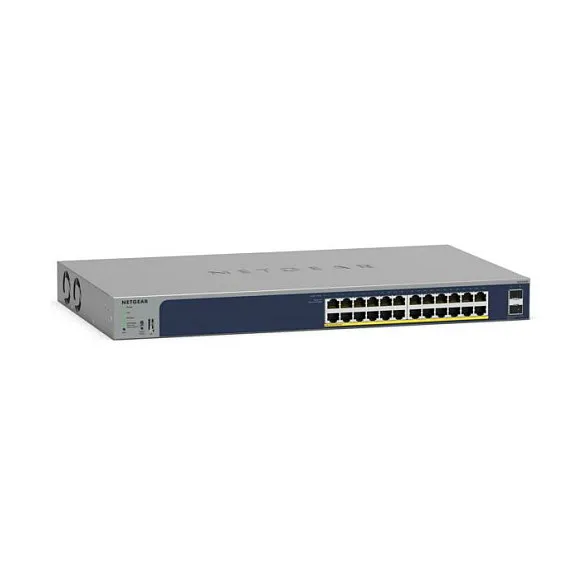
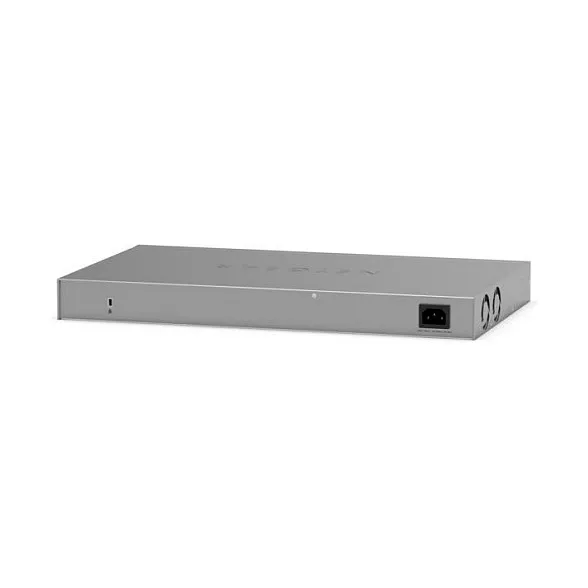
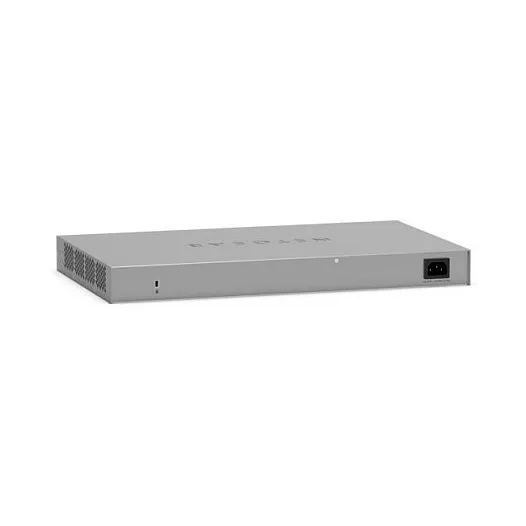
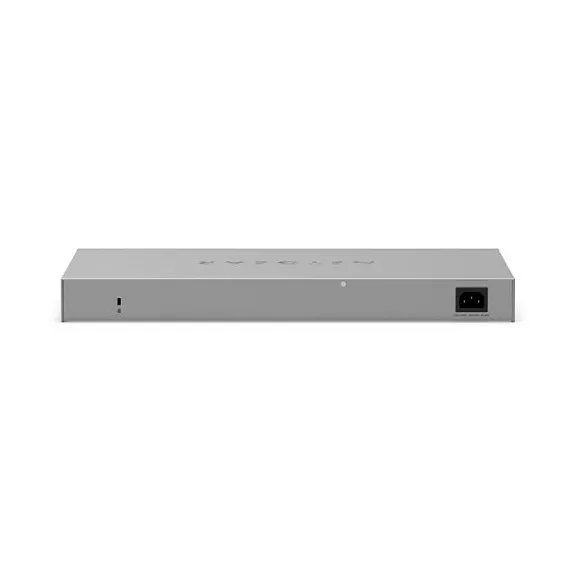
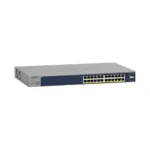

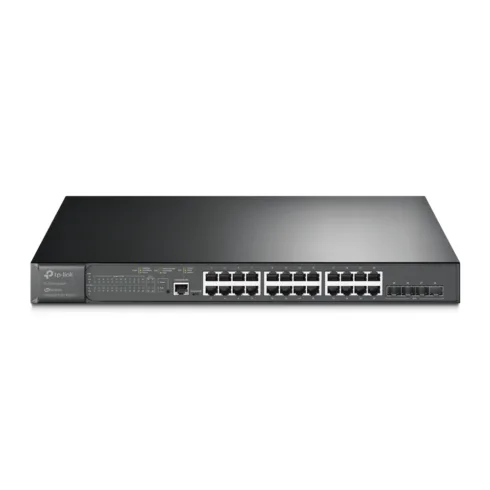


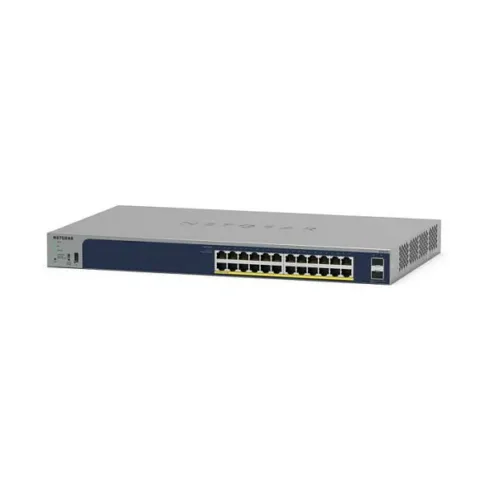
NETGEAR GS724TPP. Switch type: Managed, Switch layer: L2. Basic switching RJ-45 Ethernet ports type: Gigabit Ethernet (10/100/1000), Basic switching RJ-45 Ethernet ports quantity: 24, Installed SFP modules quantity: 2. Switching capacity: 52 Gbit/s. Networking standards: IEEE 802.1D, IEEE 802.1Q, IEEE 802.1s, IEEE 802.1w, IEEE 802.3ad, IEEE 802.3x. Power over Ethernet (PoE). Rack mounting
Highlights
More Powerful Switch for High Power Devices
• 24 x PoE+ Gigabit ports with 190W PoE budget (GS724TP) or 380W PoE budget (GS724TPP)
• 2 dedicated Gigabit SFP fiber uplink ports
Fast and flexible solution for SMB data, voice and video converged network
• Non-blocking switching with 52Gbps
• Flexible rack-mounting option
Powerful Connectivity and Security
• Advanced VLAN support for better network segmentation
• L2/L3/L4 access control lists (ACLs) for granular network access control including 802.1x port authentication
• Advanced per port PoE controls for remote power management of PoE connected devices including operation scheduling
• Advanced QoS (Quality of Service) for traffic prioritization including portbased, 802.1p and L2/L3/L4 DSCPbased
• Auto “denial-of-service” (DoS) prevention
• IGMP Snooping and Querier for multicast optimization
• Egress Rate limiting and priority queuing for better bandwidth allocation
• Port mirroring for network monitoring
• Energy Efficient Ethernet (IEEE 802.3az) for maximum power savings
• IPv6 management: IPv6 QoS, IPv6 ACL, IPv6 Multicast, and static and dynamic IPv6 address assignment
• Cable test to troubleshoot connection issues
• Easy-to-use Web browser-based management GUI available in English, German and Japanese
• SNMP v1, v2c, v3 and RMON remote monitoring
Fully-integrated cloud-manageable devices
Remote/Cloud Management capability with NETGEAR Insight. Instantly activate NETGEAR Insight Cloud management from the web GUI, for simpler configuration and deployment from anywhere using the NETGEAR Insight app on mobile devices or the Insight Cloud portal through a web browser
Smart IT, not Big IT
• NETGEAR Insight remote/cloud management, monitoring and maintenance using the NETGEAR Insight mobile app or Insight Cloud Portal for network-level management
• NETGEAR Switch Discovery Tool (NSDT) to discover, register and access to the local browser interface to configure the switches
• Network Management System (NMS300), allowing all NETGEAR business products to be deployed and managed through this single interface
• Text-based Lite Command-line Interface (CLI) NETGEAR Quality and Reliability
• Worry-free Limited Lifetime Warranty*, online technical chat support and Next Business Day (NBD) replacement.
• 90-days Free 24×7 Advanced Technical Phone Support**
Atsiliepimai
Atsiliepimų dar nėra.