


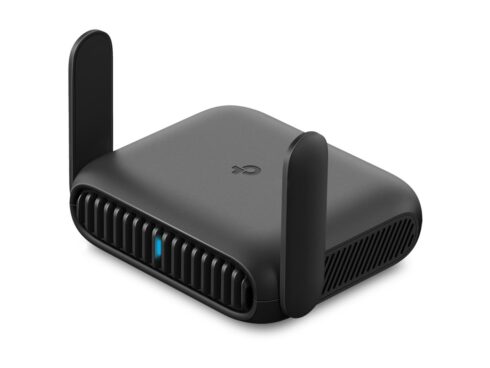
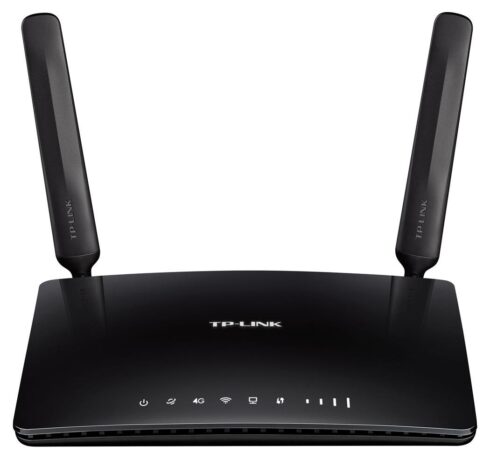

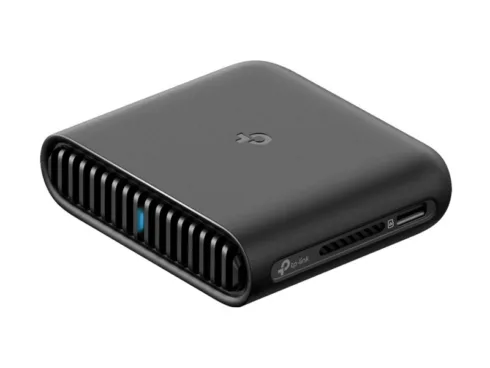
Mercusys 4G+ Cat6 AX1500 Wireless Dual Band Gigabit Router. WAN connection type: RJ-45. Wi-Fi band: Dual-band (2.4 GHz / 5 GHz), Top Wi-Fi standard: Wi-Fi 6 (802.11ax), WLAN data transfer rate (max): 1500 Mbit/s. Ethernet LAN interface type: Gigabit Ethernet, Ethernet LAN data rates: 10,100,1000 Mbit/s, Cabling technology: 10/100/1000Base-T(X). Mobile network generation: 4G, 3G standards: HSPA+, UMTS, 4G standard: LTE-TDD & LTE-FDD. Security algorithms: 64-bit WEP, WPA-PSK, WPA2-PSK, WPA3-SAE
4G+ Cat6 AX1500 Wireless Dual Band Gigabit Router
Plug and Play with Your Nano SIM Card
Fully compatible with FDD-LTE and TDD-LTE, working with most service providers worldwide. Simply insert a nano SIM card and power on the router to share your 4G+ network with multiple WiFi devices.
WiFi Where You Need It
Enjoy unmatched convenience and versatility with fast, stable WiFi whether you’re at home or working remotely.
Extra Fast 4G+ Cat6 and WiFi 6 Speed for an Exceptional Experience
Working as a 4G+ WiFi 6 router, MB260-4G uses 4G+ Cat6 technology to achieve superfast speeds up to 300 Mbps download and 50 Mbps upload. It can also share dual band WiFi network speeds up to 1.5 Gbps. The 2.4 GHz band is perfect for music streaming and online shopping, while the 5 GHz band, with speeds of 1201 Mbps, handles bandwidth-intensive HD streaming and gaming.
Share WiFi with Your Friends
A remarkable number of wireless devices are compatible with this 4G router without any issues. Up to 64 simultaneous connections for tablets, laptops, mobile phones, and other devices.
Strong, Stable Signal
Internal high-gain antennas strengthen the WiFi signal, extend the range of connections, and boost the router’s sensitivity.
Available WAN Connection Backup
With a fully functional WAN/LAN port, MB260-4G works as a router, which can connect to cable, fiber, and DSL modems or provide internet for wired devices. Its reliable wireless access can serve up to 64 devices simultaneously.
Easy Setup and Management via the MERCUSYS App
Set up and manage your WiFi through the MERCUSYS app from your smartphone (Android, iOS).
Flow Switch
Turn your 4G network access on or off to avoid unexpected data usage.
Roaming Switch
If your 4G nano SIM card supports roaming, you can easily turn it on or off to access.
Setting Limit
Set a data limit to prevent overspending and receive SMS alerts as you approach it.
Atsiliepimai
Atsiliepimų dar nėra.